When opening a Remote Desktop Connection on a client running NUIA, most NUIA features will not work correctly inside the Remote Desktop window.
As a workaround use the following setting for the Remote Desktop Connection:
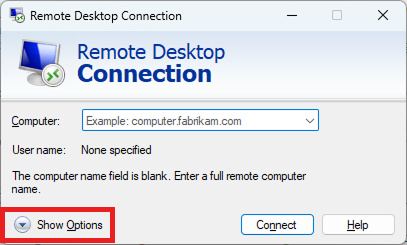
1. Open the Remote Desktop Connection and click on „Show Options“.
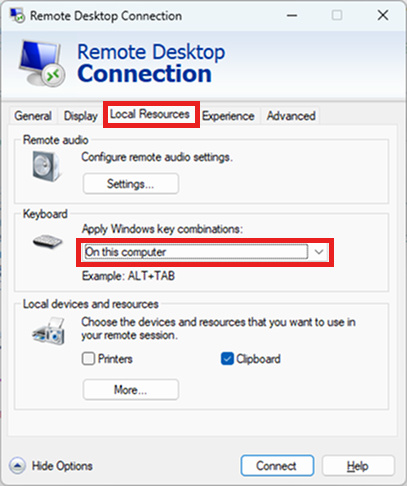
2. Click on the tab „Local Resources“ and in the section „Keyboard“ choose „On this Computer“.